An email that looks just like your bank
Same logo, your real name, a link that looks official. It is made to pass a quick glance, and on a busy day it usually does.
Phishing is the most-reported online scam

Hover any link in Chrome and get a clear trust score in seconds. VeriClick also warns you about scam emails before you open them, so you can browse with confidence, for yourself or someone you look out for.
“My mum loves to travel and nearly clicked a fake airline link in an email last week. VeriClick flagged it as Dangerous before she even opened it. Worth every cent.”
VeriClick checks every link in seconds
Sources: FBI IC3 2024 Annual Report · Verizon Data Breach Investigations Report 2025 · KnowBe4 2024 Phishing by Industry Benchmarking Report·Takes under 2 minutes to install for someone else.
Why VeriClick exists
They look like a normal email, a normal link, a normal deal. They are made to fool careful people on a busy day, and you only get a moment to decide.
Same logo, your real name, a link that looks official. It is made to pass a quick glance, and on a busy day it usually does.
Phishing is the most-reported online scam
One letter swapped, a shortened address, a lookalike domain. It reads as your airline or your bank, right up until it is too late.
Millions of these are sent every year
Fake shops buy the top spot in search, so the first result you trust can be the trap. Perfect photos, a tempting price, and no real company behind it.
Shopping scams cost billions a year
Links arrive all day, in email, texts and search. Most people who fall for a scam click within about 21 seconds. There is barely time to think.
People click a scam link in about 21 seconds
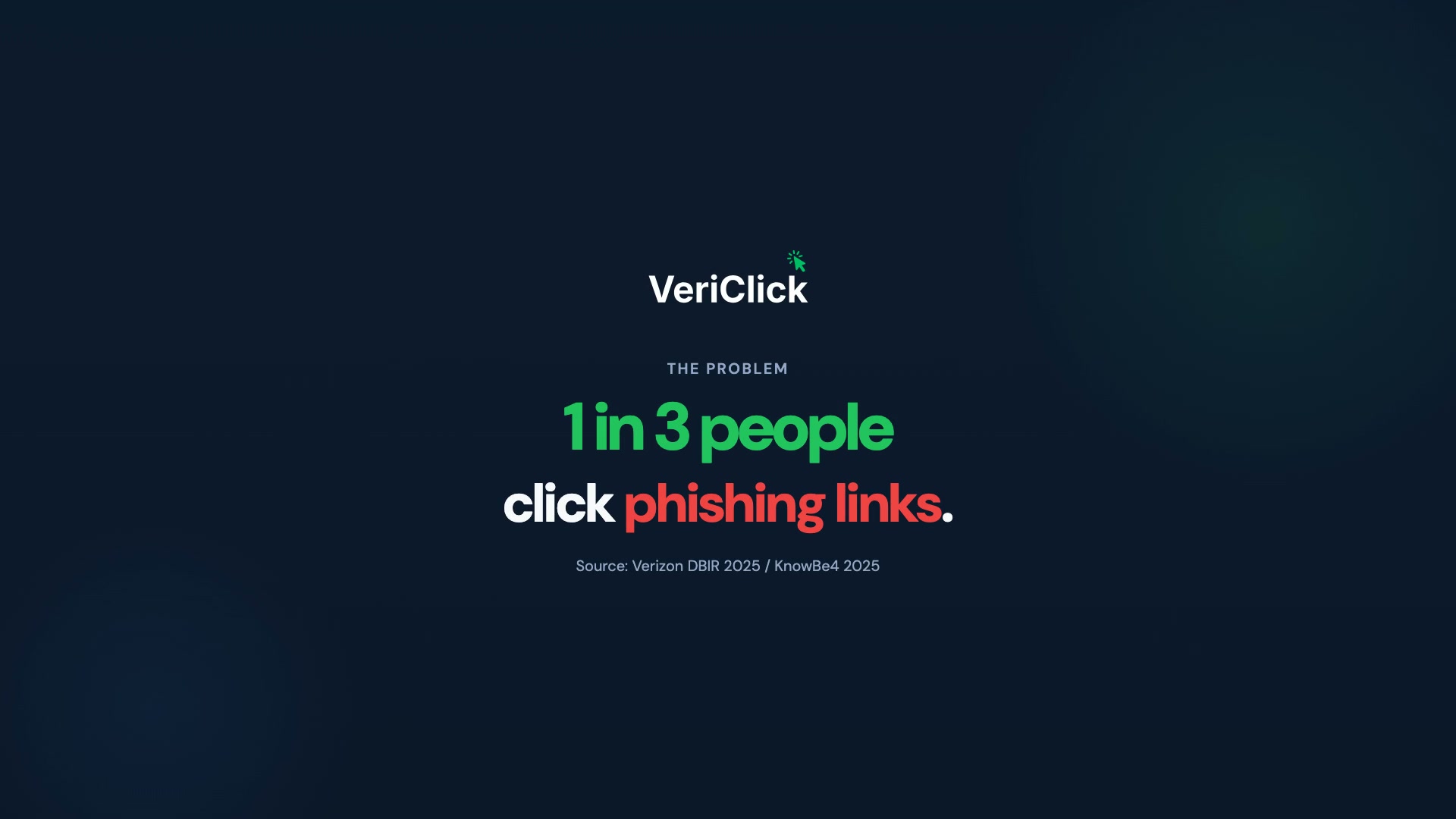
1 in 3 people click a scam link when they have not been trained to spot one.KnowBe4 2024, from 54M+ phishing tests
VeriClick quietly checks links for you and speaks up the moment one looks wrong, so you and the people you look out for can browse with confidence.
Product demo
Watch it work on a real page: hover a link for an instant trust score, catch a risky click before it opens, and choose the protection that suits you.
Scroll to load demo
Tap play for sound
How it works
VeriClick works quietly in your browser, keeping you safe online with no pop-ups and no interruptions, just a clear warning the moment something looks wrong.
Move your cursor over any link on any page and VeriClick checks it straight away.
A badge appears at once: Safe, Likely Safe, Check Carefully, Risky, or Dangerous.
Right-click any link for the full picture: the warning signs, a plain explanation, and what to do next.
5/day freePremium adds unlimited checks, sender-level email warnings, and deeper analysis.
PremiumA quick tour
From a quick hover to a full breakdown, and scam emails on Premium. Step through it yourself.
Trust scores
Every link gets a score from 0 to 100. No jargon, just a plain-English label and a short reason you can act on in seconds.
No major warning signs found.
Mostly fine, with one or two unusual details.
Warning signs present. Check before proceeding.
Serious warning signs. Avoid unless certain.
Multiple red flags. Do not open this link.
Where it helps
It checks links everywhere you browse, not just one inbox or one site.
Catch phishing links before you type a password or card number, and set it up for anyone you worry about.
Score 18 · DangerousSee a trust score on every result, including the paid ads, before you click through.
Scam ad detectedCheck a booking link before you hand over passport or card details.
Lookalike domainAvoid fake storefronts and too-good deals before you pay.
No company recordConfirm a site is really your bank before you sign in.
Score 97 · SafeCheck links in DMs and social posts before you open them.
Phishing link caughtThe dangerous emails no longer look dangerous. A message from “PayPal Security” with perfect branding, your correct name, and a calm request to confirm your account. It is convincing enough that careful people click. Premium reads the sender and a short preview, notices the domain was registered six days ago, and shows a clear Likely scam warning before anyone acts.
A brand-new domain pretending to be your bank gets flagged before a link even matters. That is the part the free tier cannot see.
No score to decode, just a calm warning anyone in the family can understand.
The sender, the subject, and a short preview of the open email. Never your whole inbox.
Gmail, Outlook, Yahoo and other email you open in your browser. No setup and no new app to learn.
Every plan still scores each link in the inbox on hover. Sender-level scam warnings are the Premium upgrade.
Link blocking
If you click a link that scores below your threshold, VeriClick steps in first. It shows exactly why the link looks risky and lets you decide. You choose where the line sits.
Click a risky link and VeriClick catches it first, showing you exactly what is wrong before the page ever loads. You see the score, the reasons, and the choice: go back safely, or continue at your own risk.
On Premium, move the risk slider to match your comfort level, from blocking only the most dangerous links to stopping anything that looks even slightly off. Free plans use a sensible default threshold.
Nothing is blocked silently. You always see why a link was flagged and can choose to carry on, so you stay protected without ever losing access to the sites you trust.
Reviews
From everyday people protecting themselves, and the ones they look out for.
Her mum was seconds from a fake airline email
“My mum loves to travel and nearly clicked a fake airline link in an email last week. VeriClick flagged it as Dangerous before she even opened it. Worth every cent.”
He set it up for his parents, then stopped worrying
“I installed this for my parents when they kept getting scam emails. They don't have to think about it — it just works in the background and warns them.”
She wanted the why, not just a block
“Finally something that actually explains WHY a link is dodgy instead of just blocking it. The plain English explanations are really clear.”
Two minutes on his dad's laptop, real peace of mind
“Set it up for my dad in about two minutes. He's been caught by scams before — this gives me real peace of mind.”
She books online constantly, now she checks first
“I travel a lot and book things constantly online. Having a trust score on every link before I click has genuinely changed how I browse.”
Pricing
Start free, with no credit card and no commitment. Move up to Premium whenever you want sender-level email protection.
Free to install for yourself — or for someone you care about.
Cancel anytime · No lock-in
Teams from $3.99/seat/month · Available in NZD, USD, AUD, GBP, EUR, CAD · See full pricing →
FAQ
Yes. The free plan gives you 100 hover checks and 5 detailed checks a day, forever, with no credit card required.
Yes. VeriClick checks links on every website you visit in Chrome, including Gmail, Outlook, search results, and shopping sites.
No, and any tool that claims to is misleading. VeriClick points out the warning signs so you can make a better call. Always check the address bar before you enter anything sensitive.
No. VeriClick is lightweight and built to run quietly in the background, with no noticeable effect on speed.
Yes, anytime. You keep Premium until the end of your billing period, then move back to the free plan automatically. No fees, no hassle.
Add VeriClick to Chrome in a couple of minutes and browse with confidence, or send the link to someone you look out for. No credit card and no sign-up to start. Move up to Premium whenever you want sender-level email protection.